See Blabb,
screen by screen
No mockups, no staged renders — just the actual Windows app, from the first-run setup to the private History that never leaves your PC. Follow it top to bottom, or jump to the part you care about.
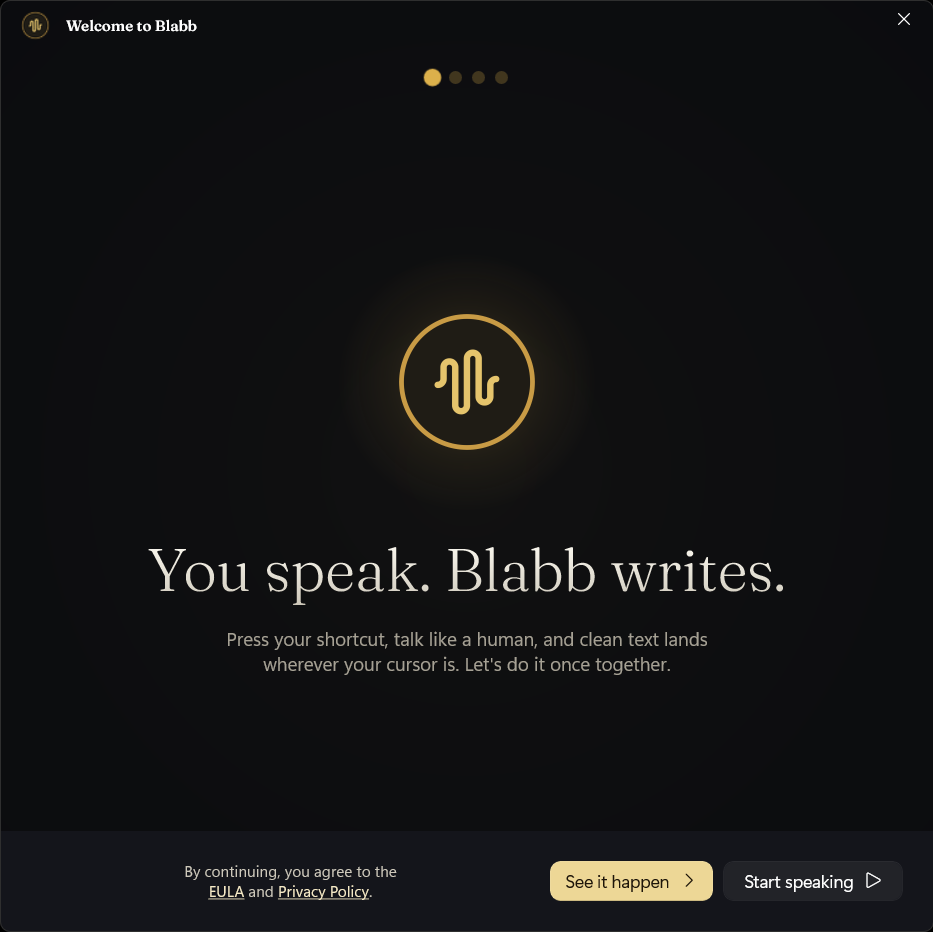
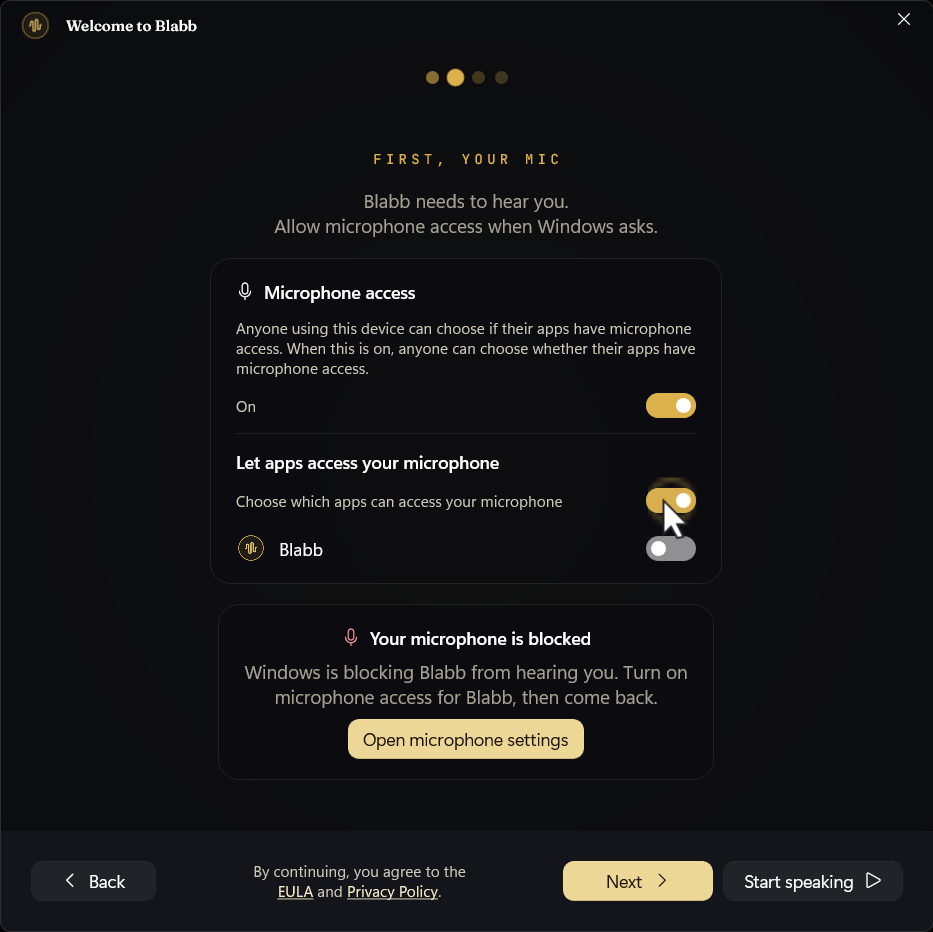
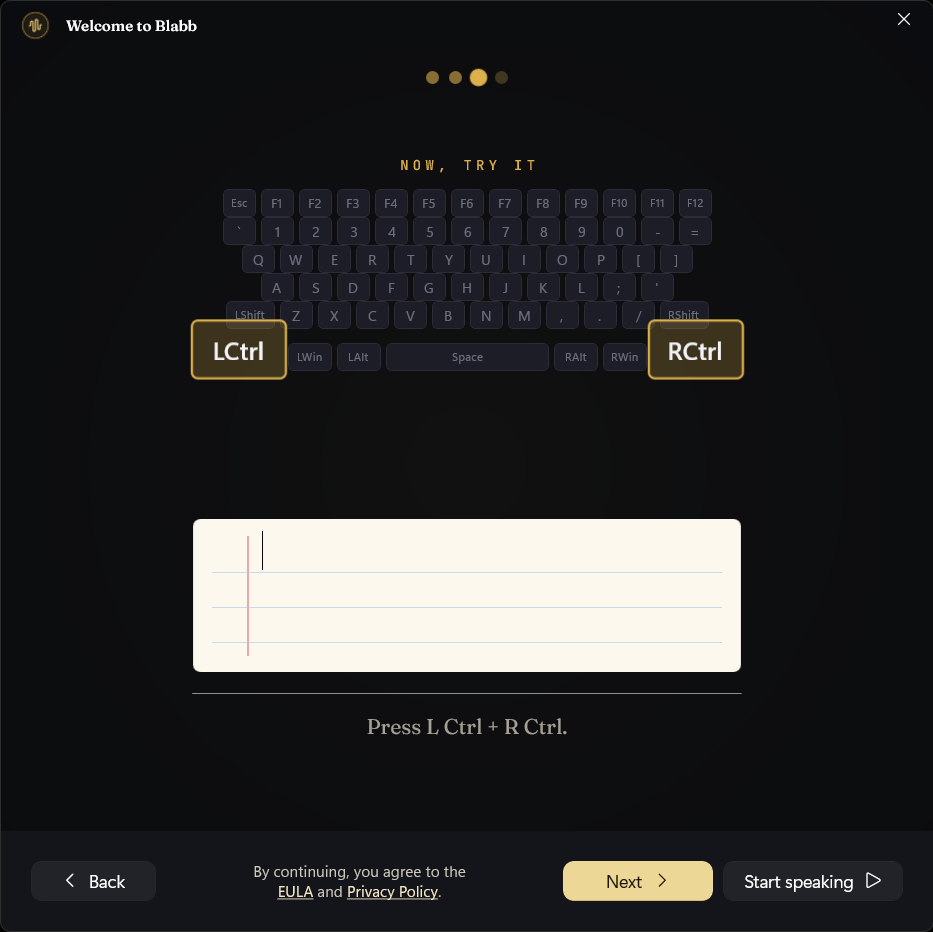
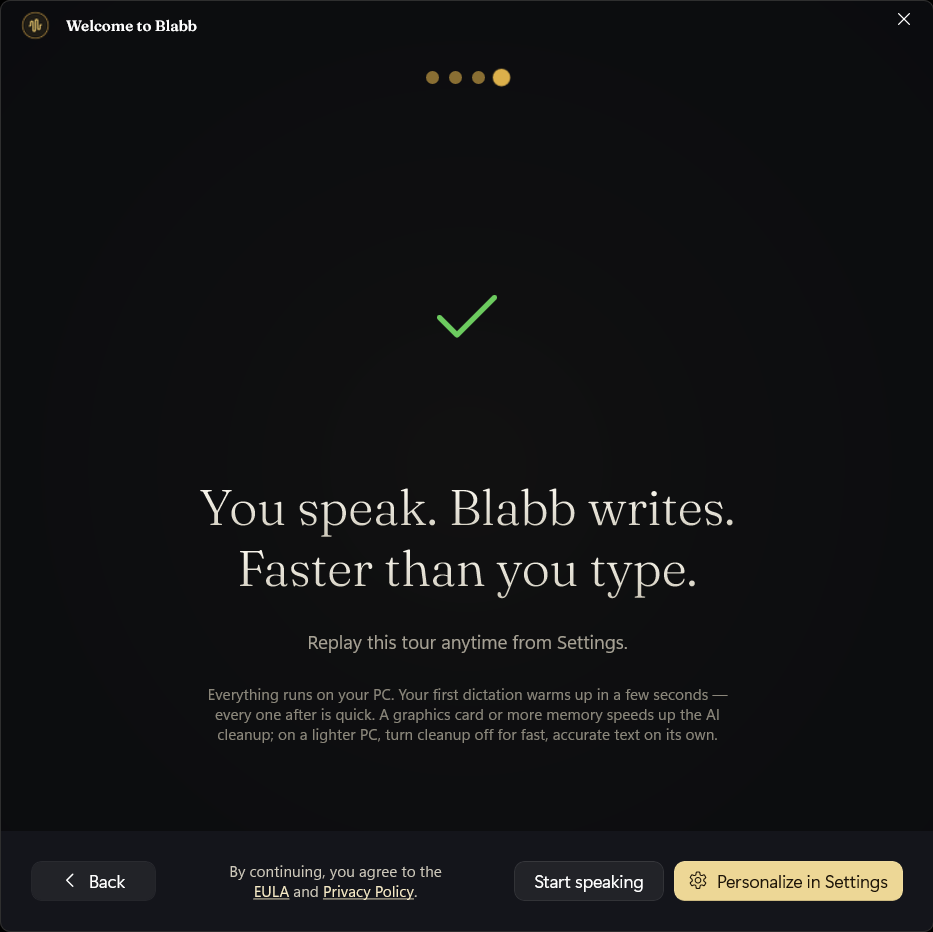
Six screens, then you're dictating.
The welcome tour asks for one permission, teaches you the shortcut, and walks you through a real first dictation. There's no plan to pick and nothing to buy — that's the whole setup.
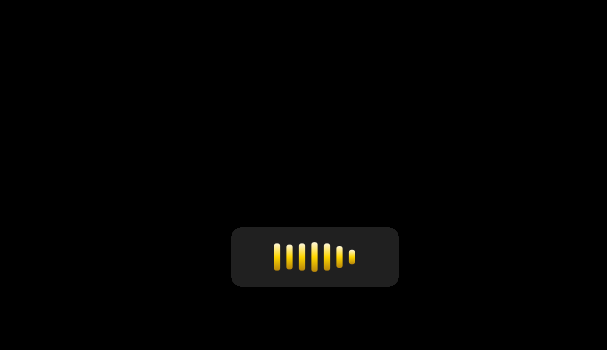
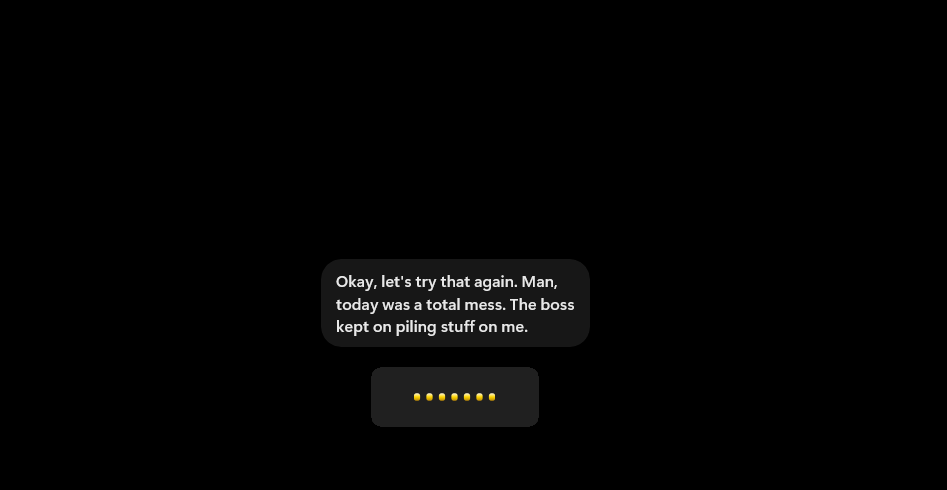
Press. Speak. Watch it land.
This is the loop you'll live in. The floating overlay is the only thing you see while you talk; the clean text appears wherever your cursor already is.
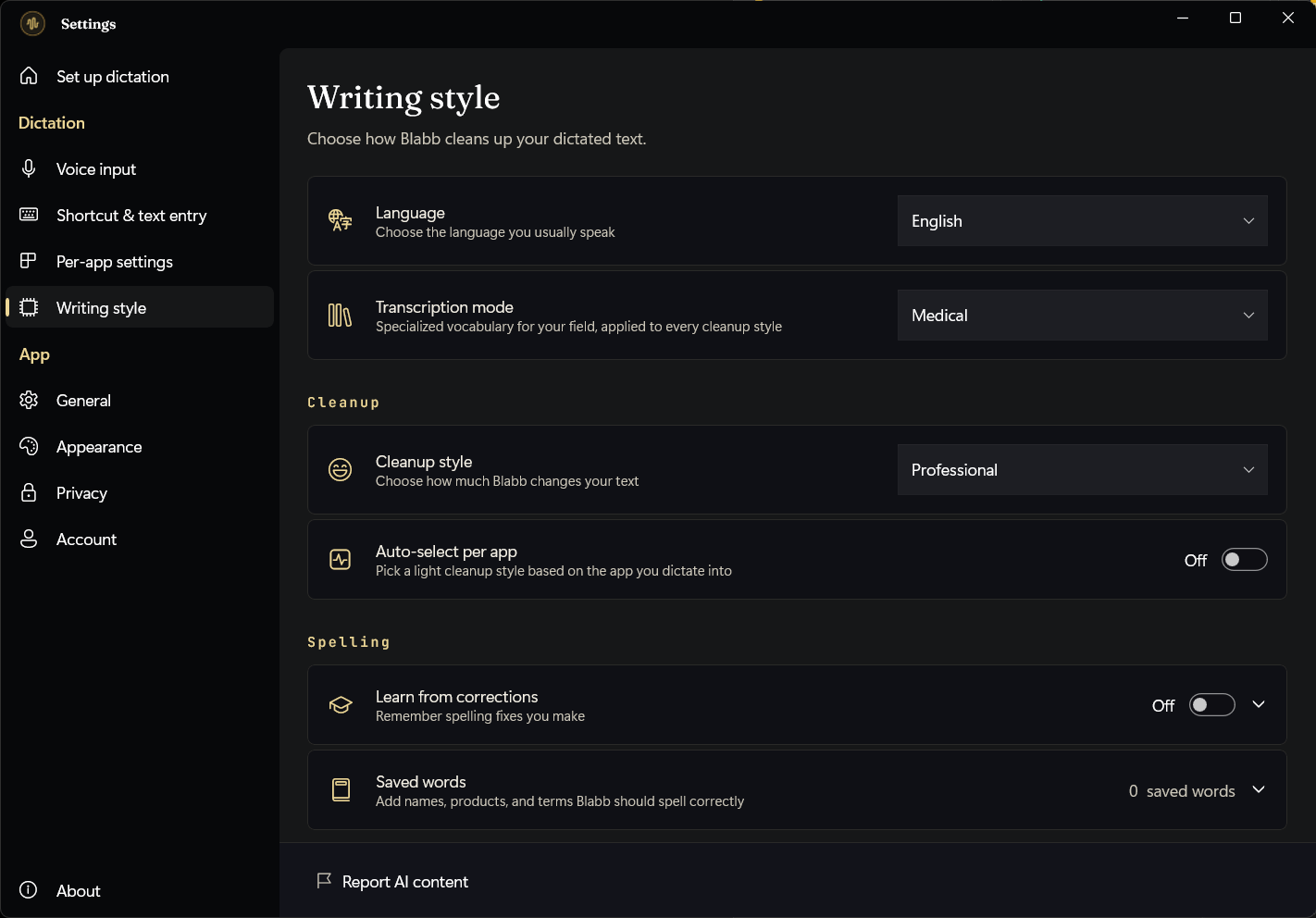
One place to set it up, six ways to write.
The Set-up screen is a five-item checklist: mic, shortcut, behaviour, cleanup, and text entry. Writing style is where you choose how much Blabb polishes what you said.
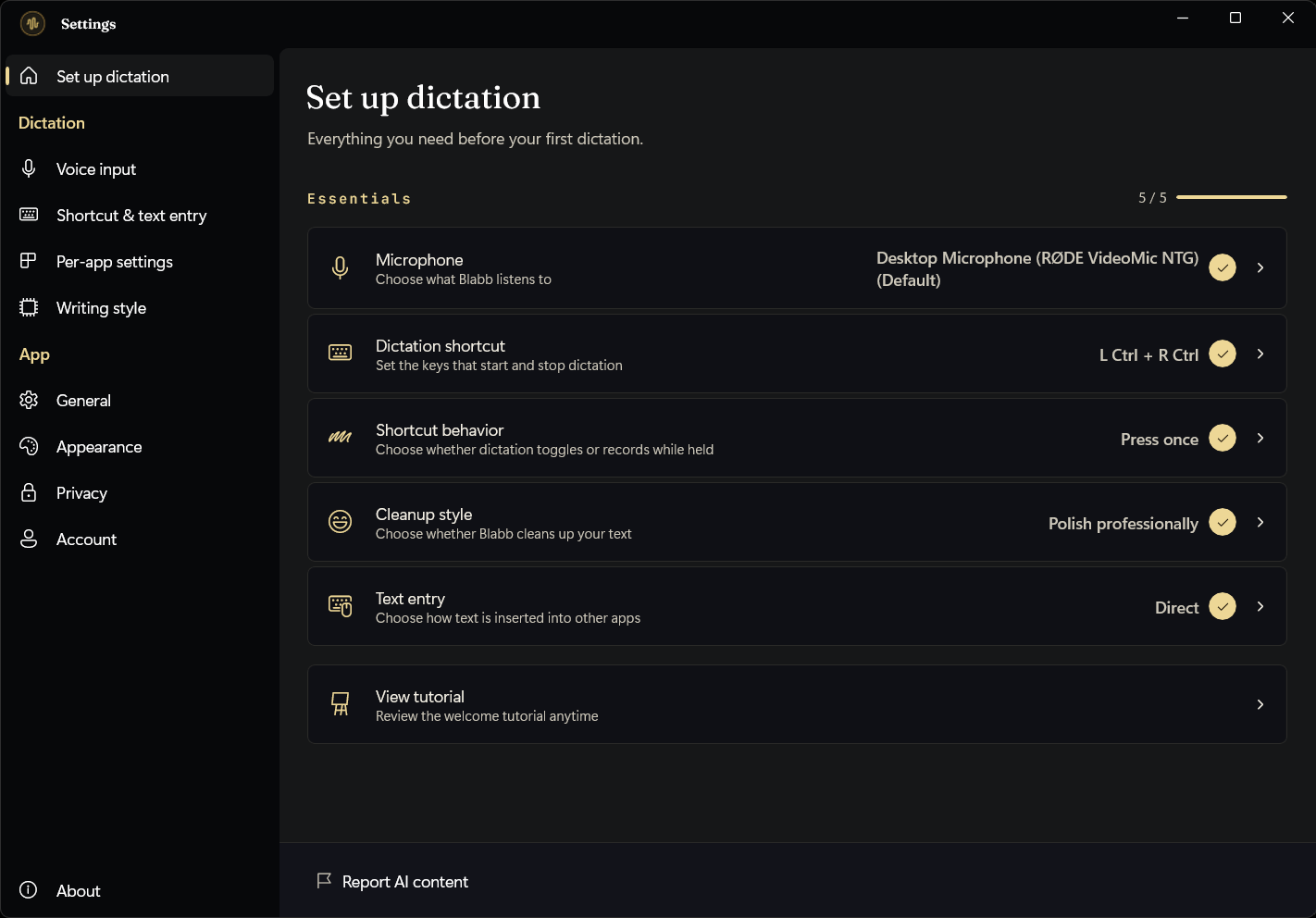
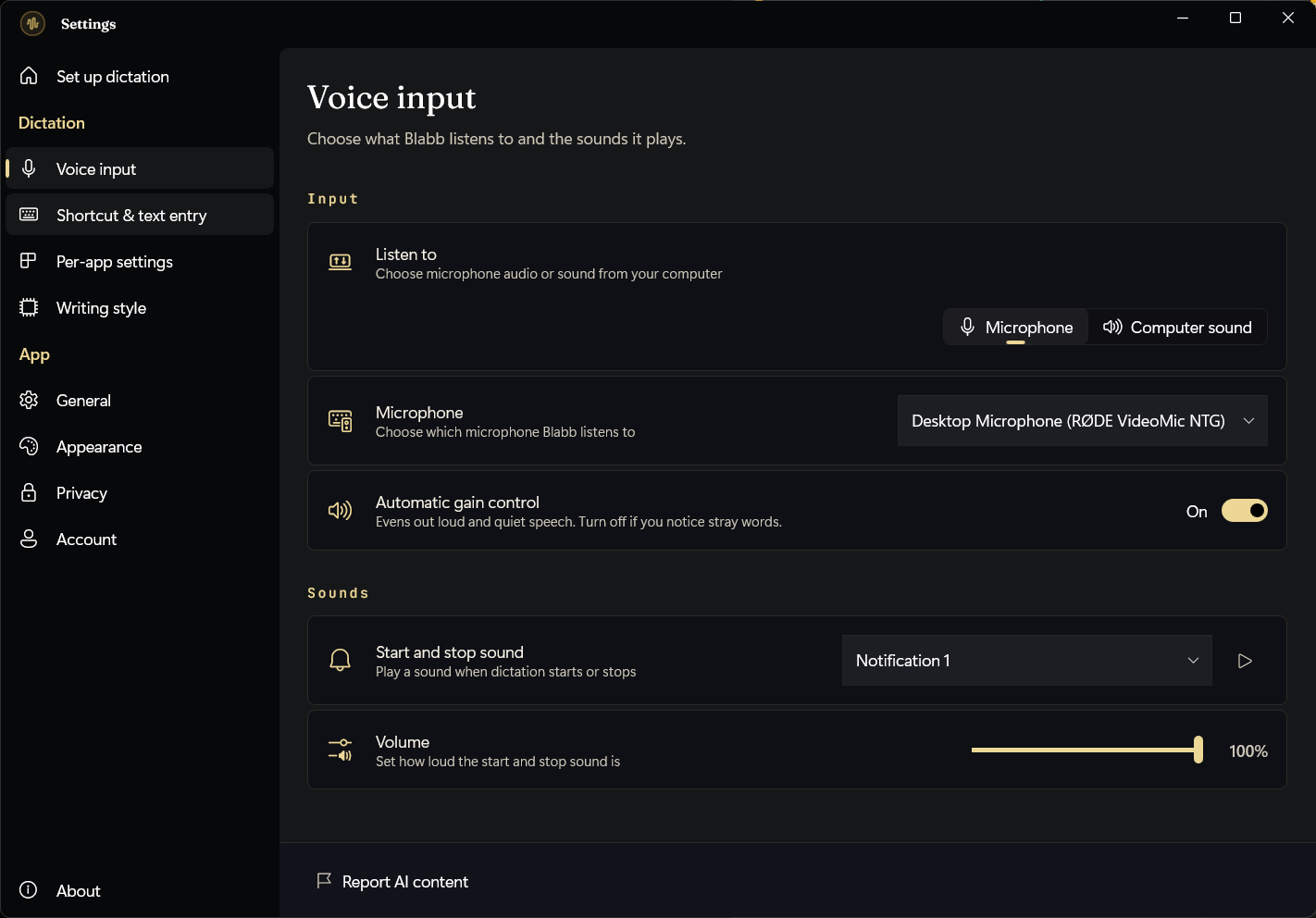
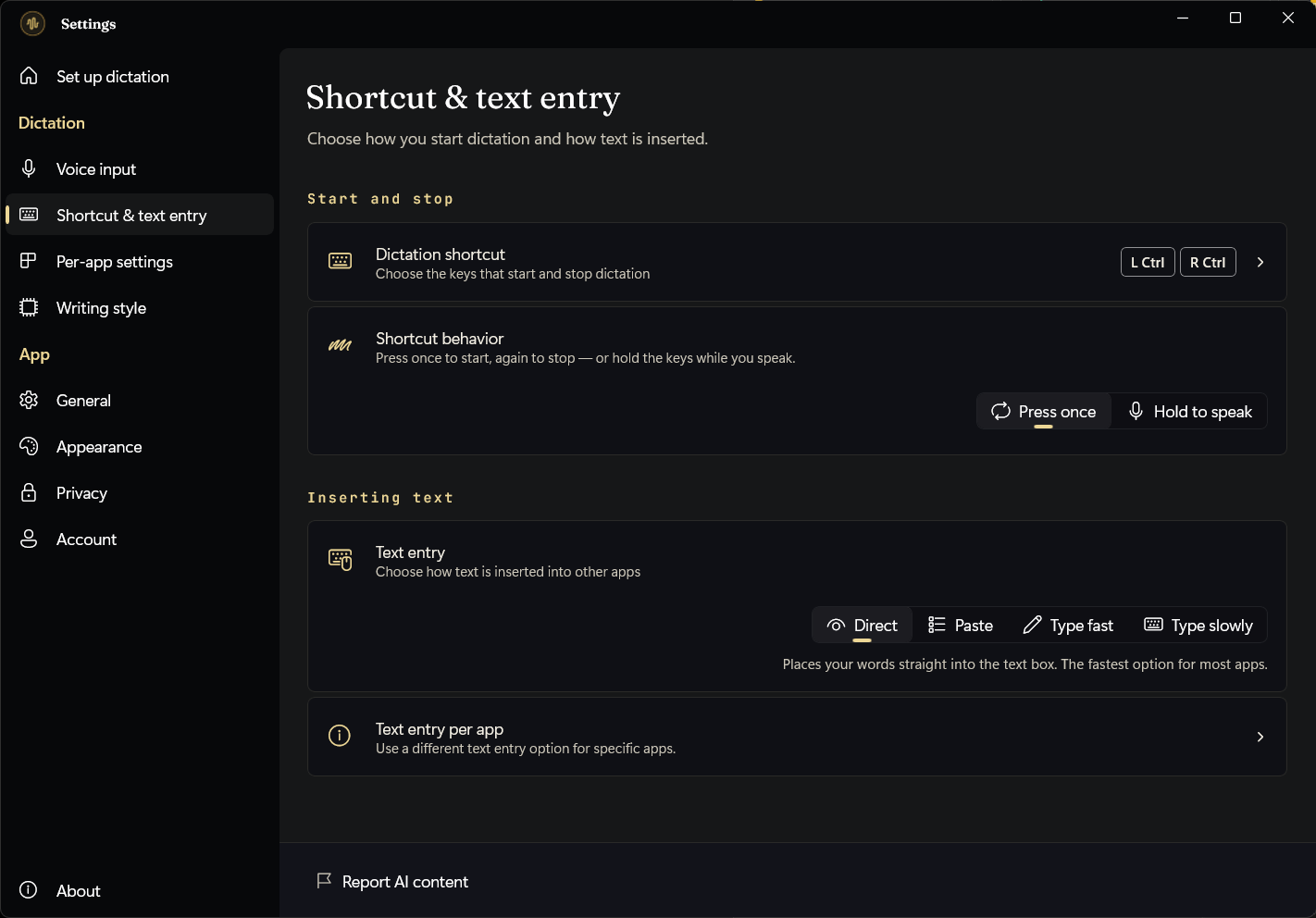
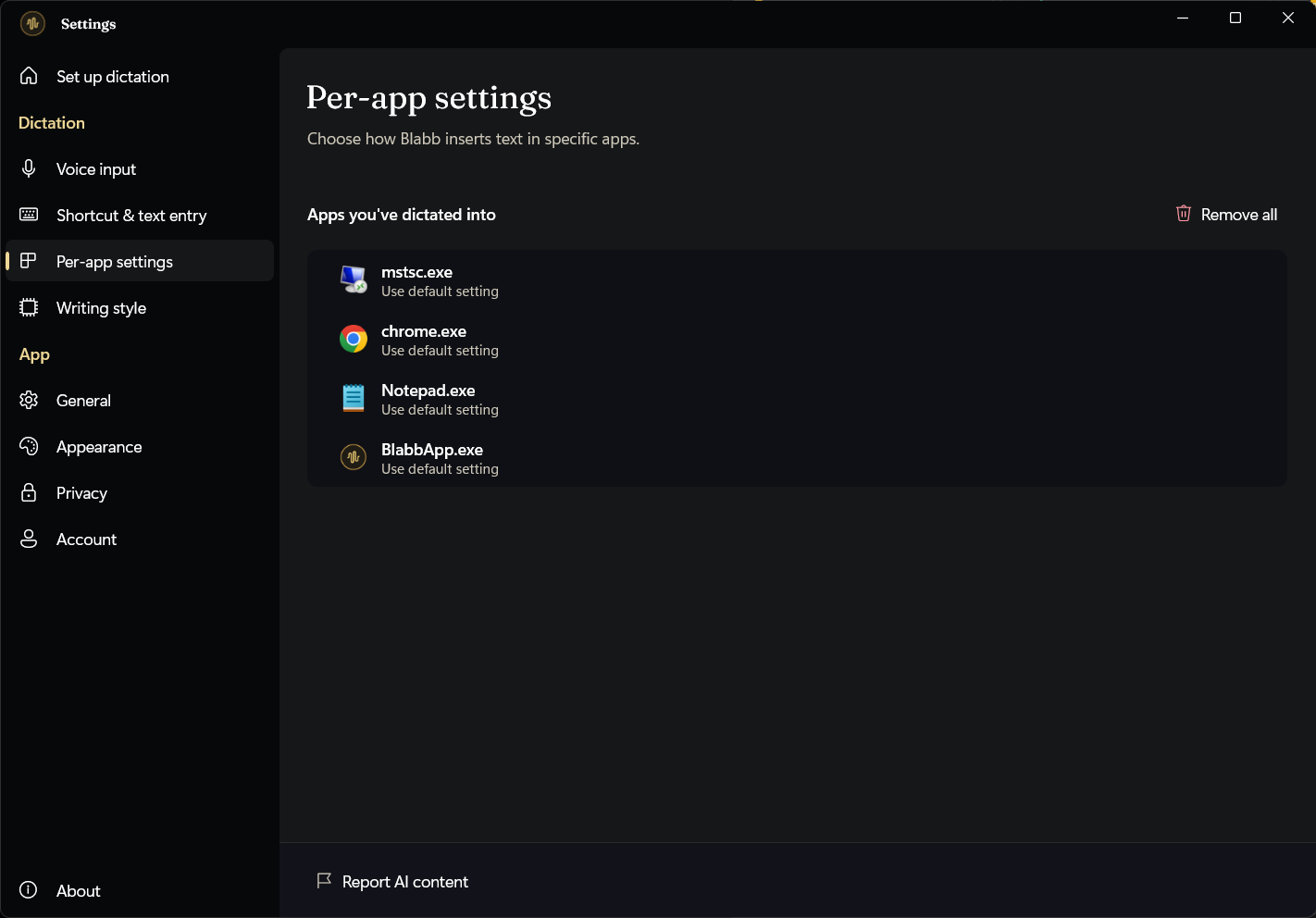
Tune it for your mic, your keys, and locked-down apps.
This is why Blabb reaches into Remote Desktop, Citrix and VDI where free tools stop: you control exactly how text is inserted, globally or per app.
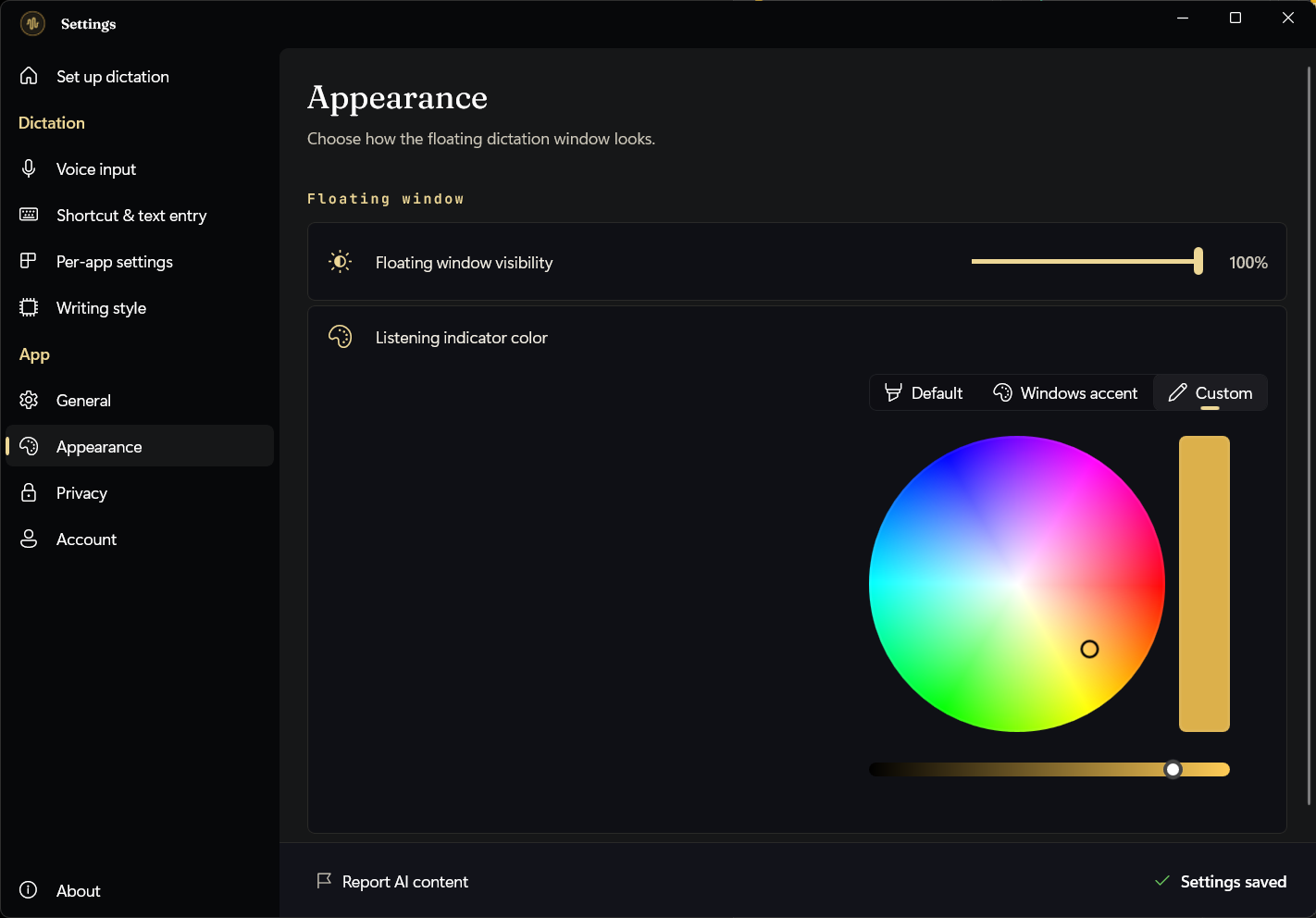
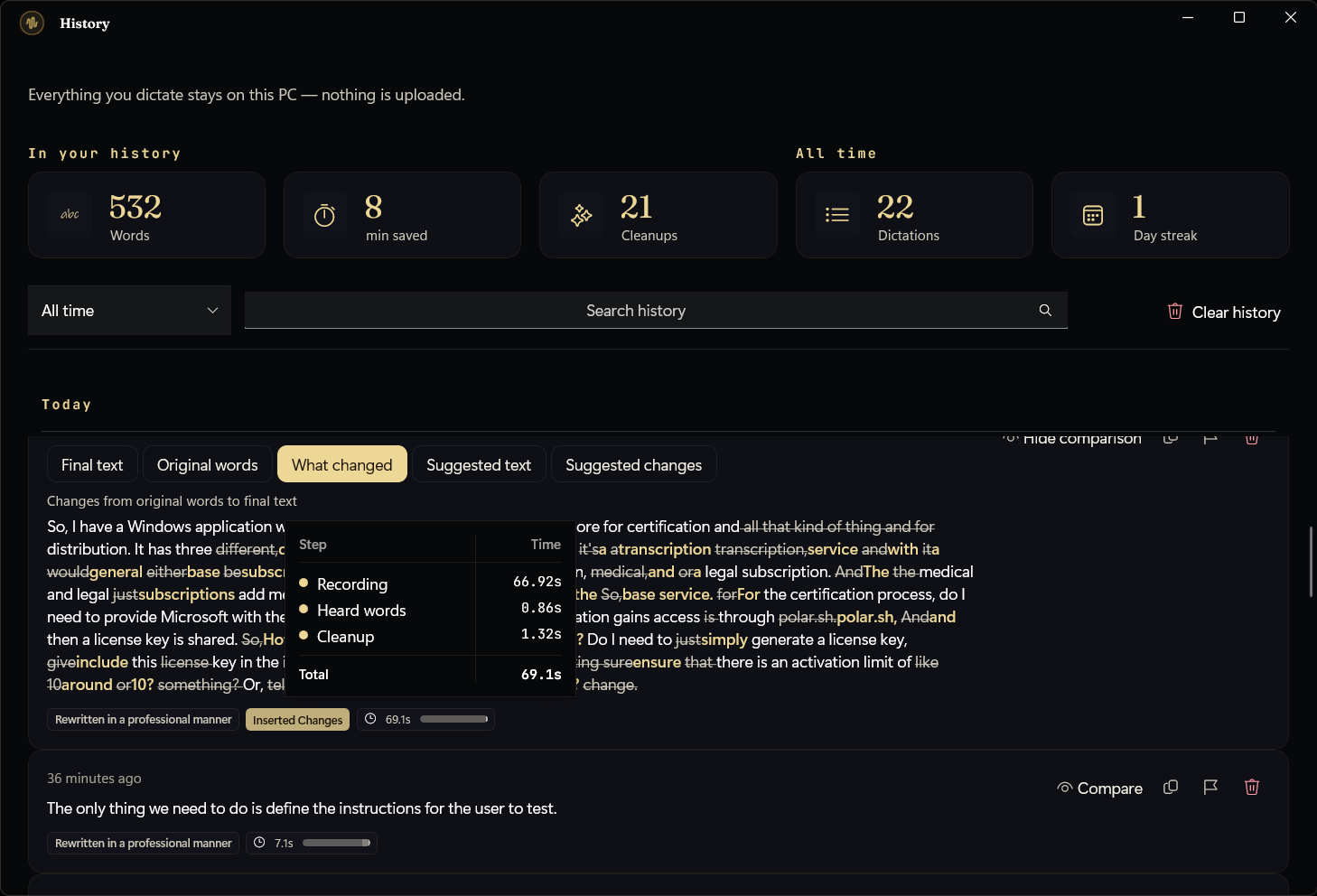
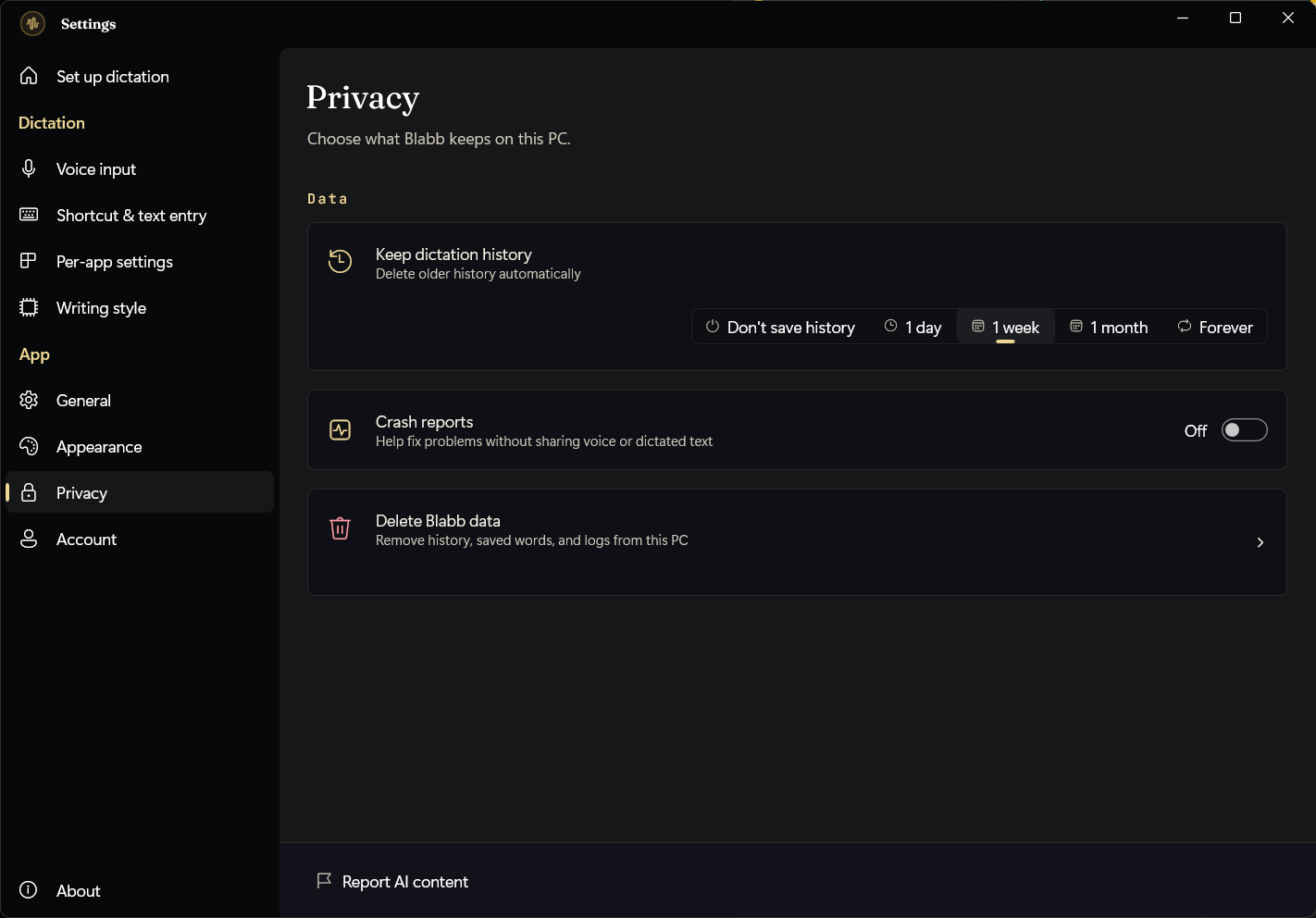
The privacy promises aren't copy — they're in the app.
Blabb's own Privacy screen says the same thing this site does, because it's the architecture, not a marketing line. You decide how long anything is kept.
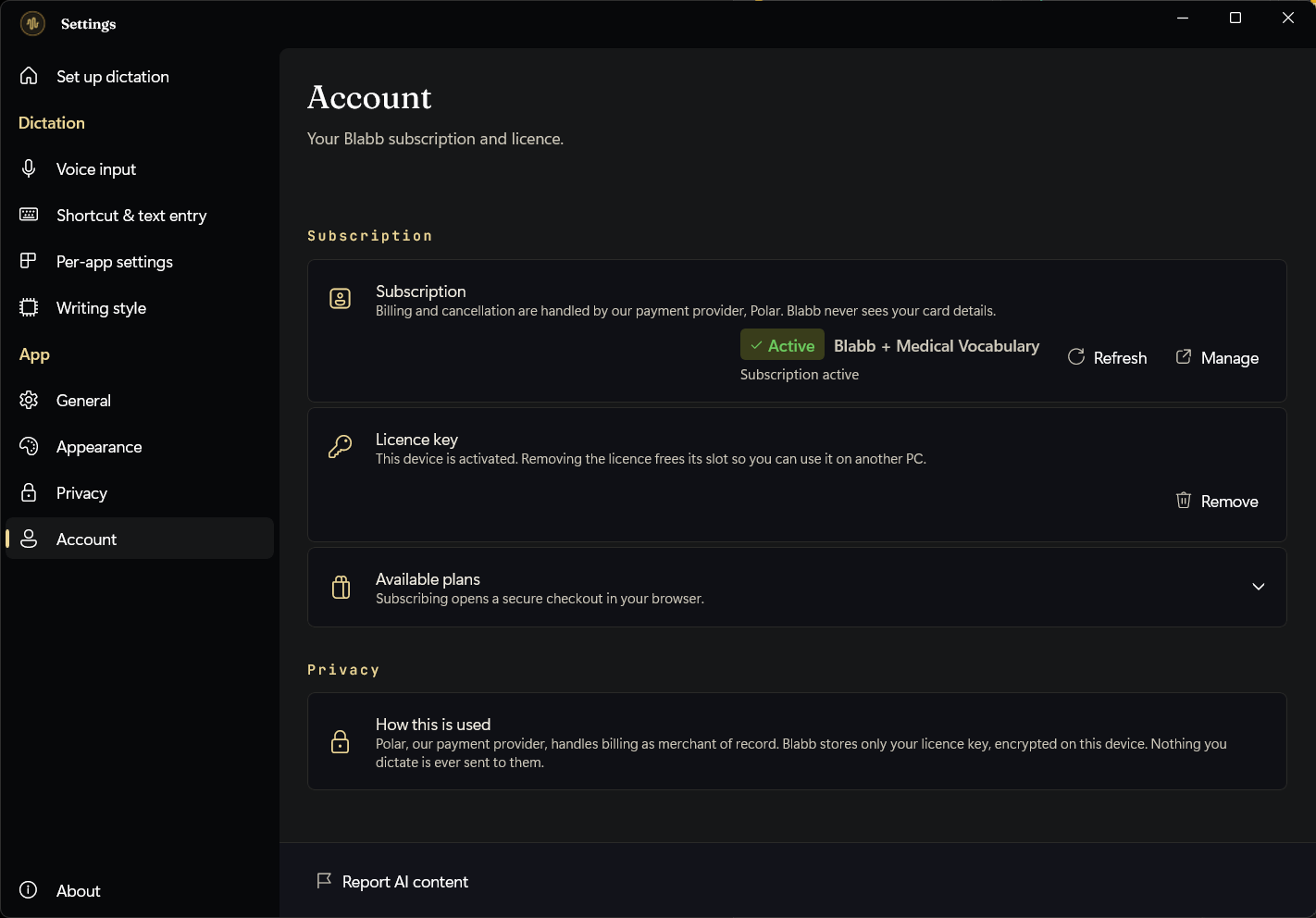
Billing handled by Polar — no card details here.
Blabb doesn't run a payment system. Polar, a merchant of record, manages billing and cancellation, so the only thing Blabb stores is your licence key — encrypted on your PC.

That's the whole app — now try it on your own words.
Two weeks free, models in the installer, dictation that runs on your PC.
FREE TIER 2,000 WORDS/DAY · 14-DAY UNLIMITED TRIAL IN-APP · CANCEL ANY TIME